
How to Download Your Voicemail Greeting from the Vumber Dashboard
If you need to download your voicemail greeting from your Vumber account, follow these simple steps to access and save it directly from the Vumber dashboard.
To download your voicemail greeting, follow these steps:
- Log in to your account at https://app.vumber.com.

- Click on "My Numbers" from the left-hand menu.

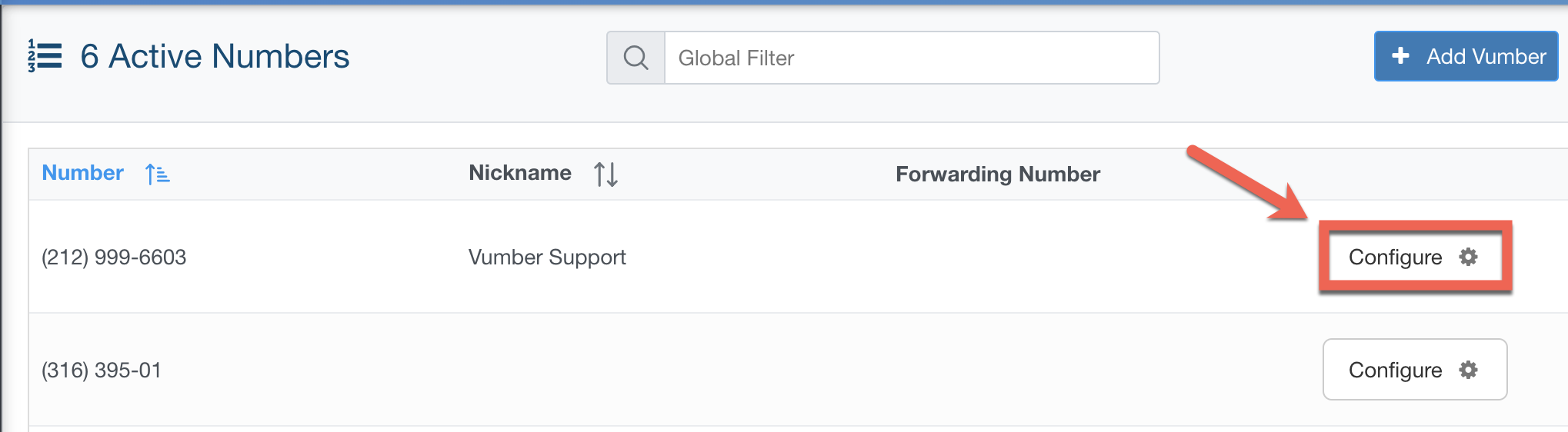
- Select the number you want to download the greeting from.
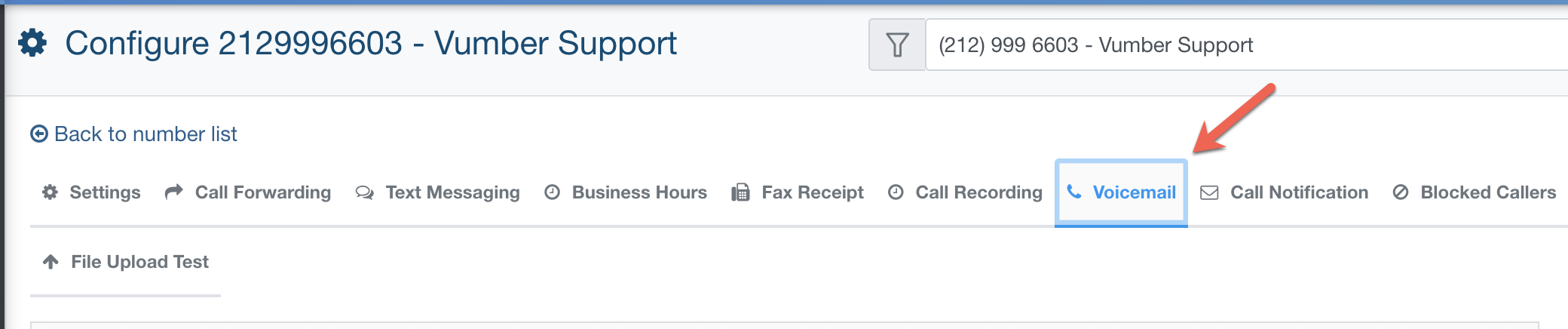
- Go to the "Voicemail" tab.
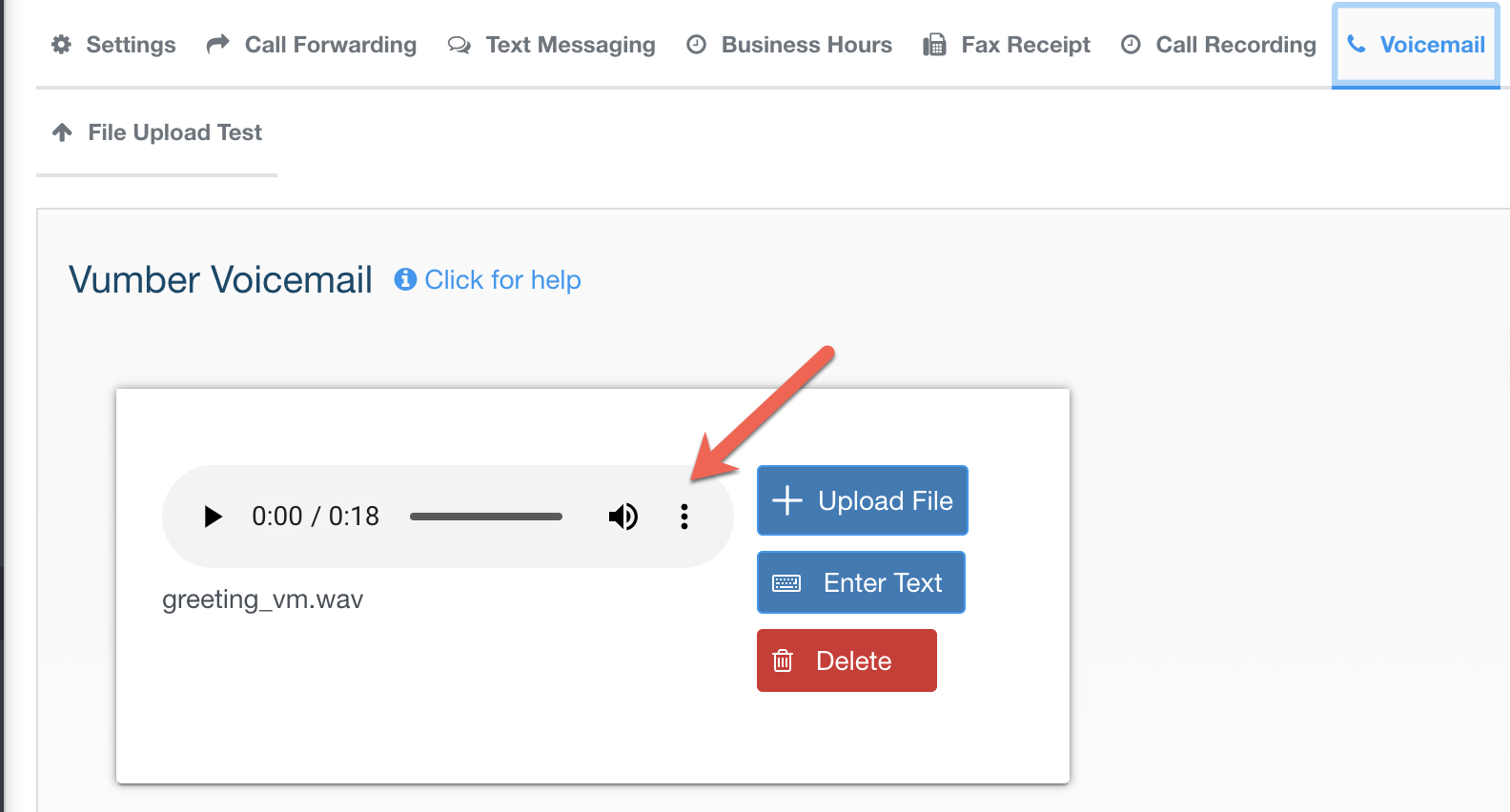
- Click the three dots beside your voicemail greeting.
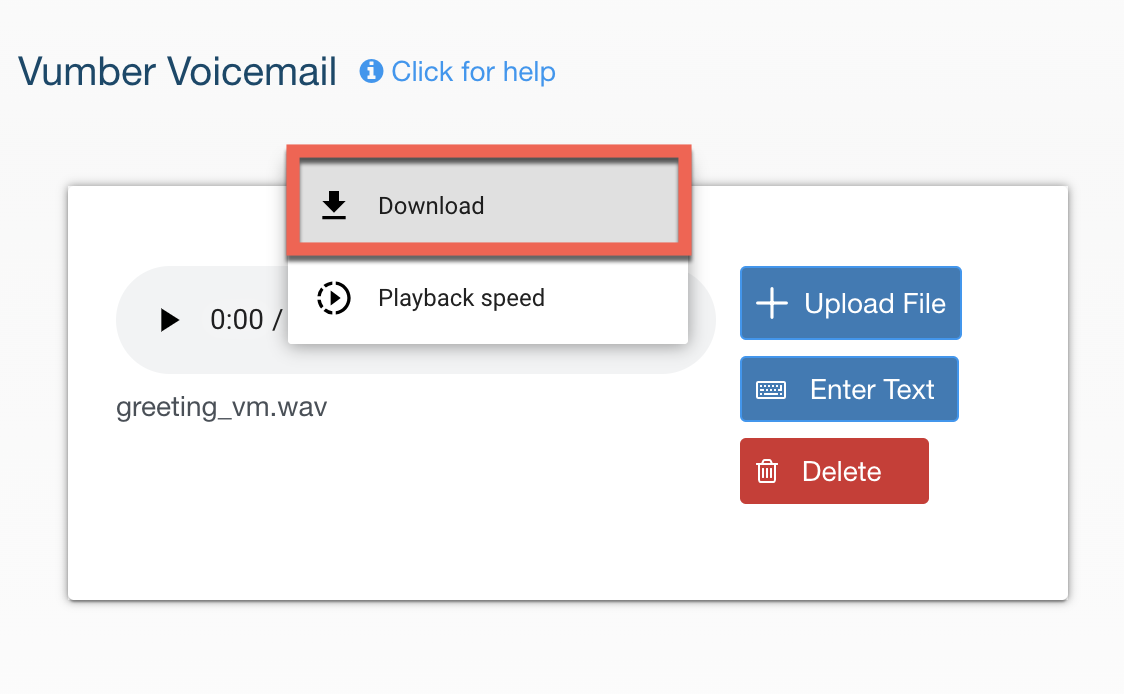
- Hit "Download" to save the file.
If you encounter any issues or need further assistance, feel free to reach out to our support team.
The Vumber Team