
How to Quickly Return a Missed Call
Missed calls can be important, especially in a business context. Vumber makes it easy to promptly return these calls, ensuring you don’t miss out on potential opportunities or important communications. Here’s how you can quickly call back a missed number.
To call back a missed number using the Vumber app, follow these steps:
- Open the Vumber app on your mobile device.
- Press the 'Calls' option located at the bottom right of the screen.

- Make sure you are in the 'In' tab to see incoming calls.
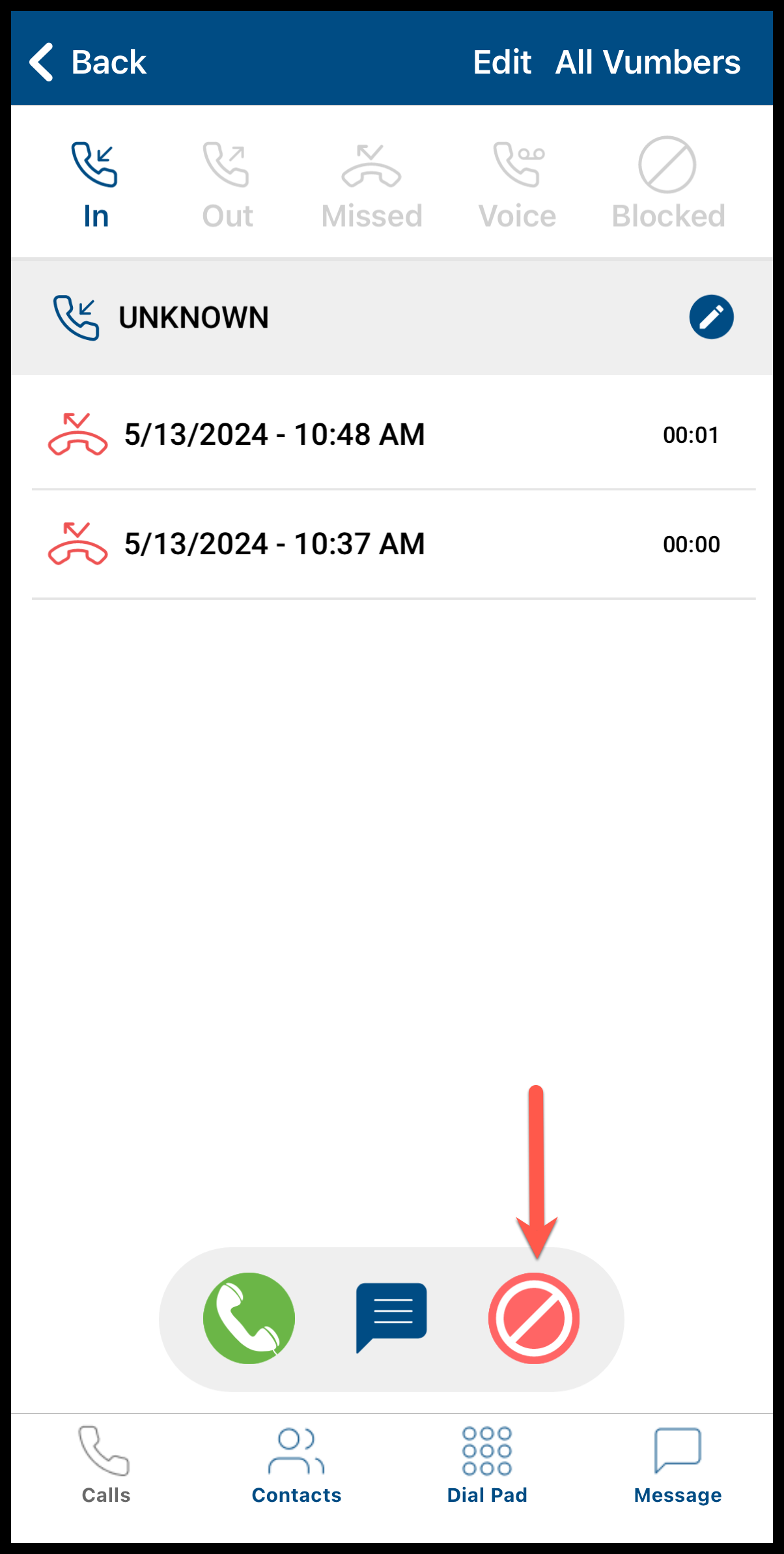
- Press the number you missed the call from to select it.
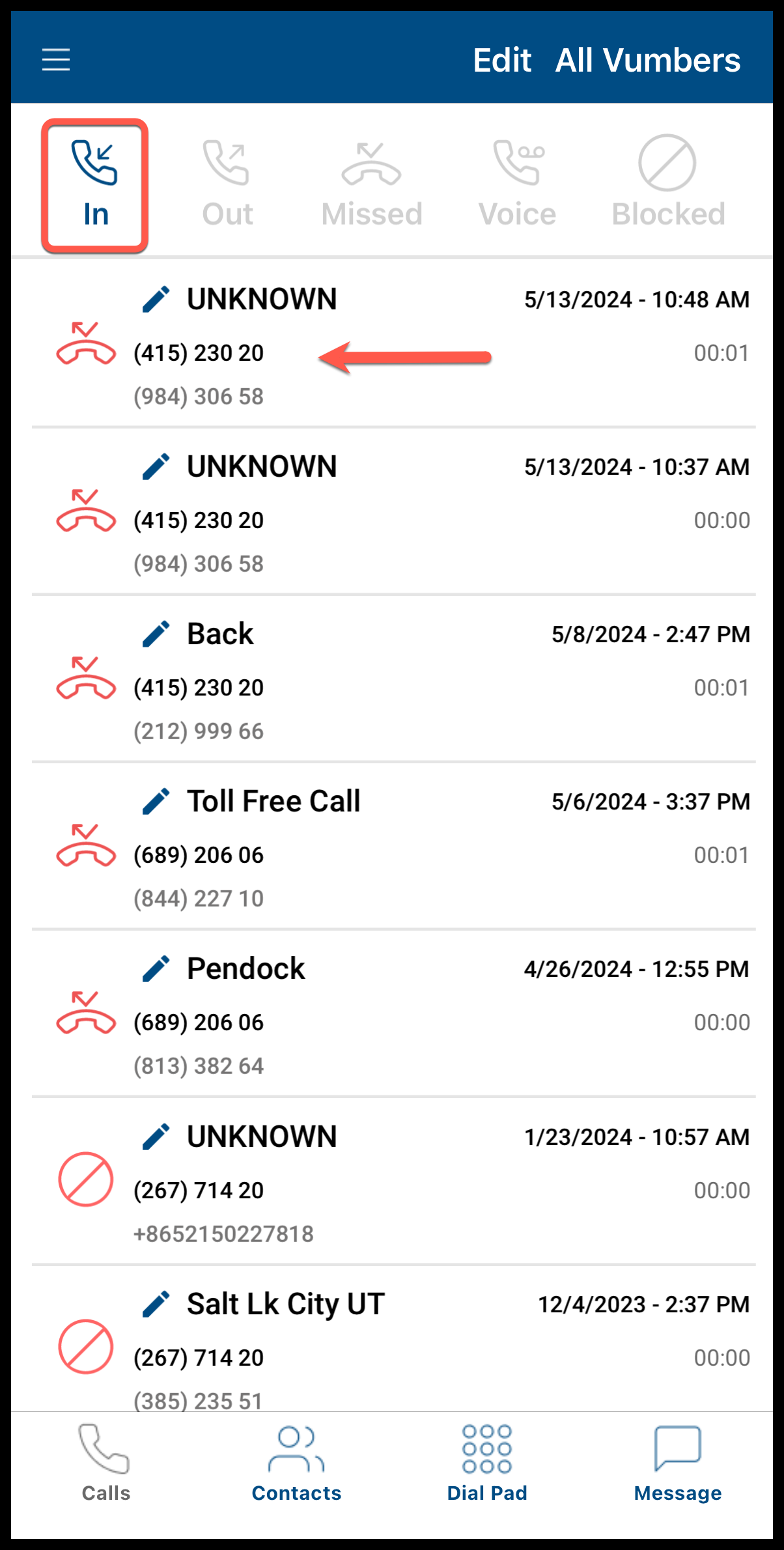
- Hit the green phone icon at the bottom of the screen to initiate the call back.
To call back a missed number using the Vumber dashboard, follow these steps:
- Log in to your account by visiting the Vumber Dashboard at https://app.vumber.com.

- Click the 'Call Activity' tab on the left to open the dropdown menu.
- Select 'All Incoming' to view all incoming calls.

- Click the missed call you want to call back.


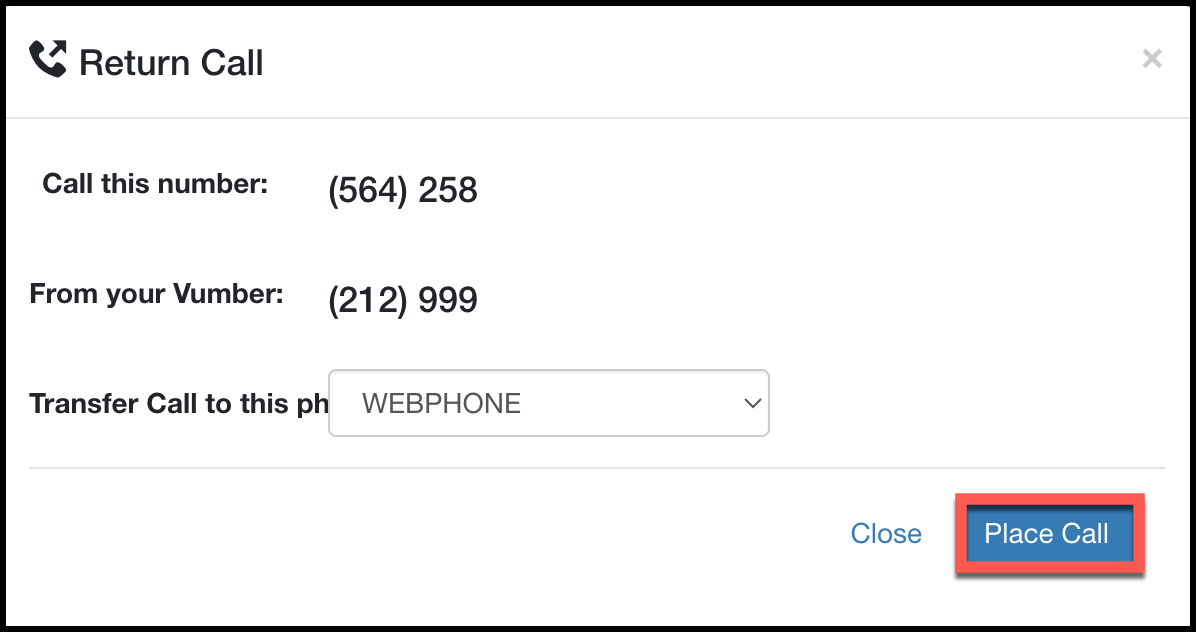
- Click 'Return Call' under the number to initiate the callback.
If you encounter any issues or need further assistance, feel free to reach out to our support team.
The Vumber Team